Whiteboard animation, where illustrations appear to be drawn in real time on a white surface while a narration explains the concept, has become one of the most widely used formats for explainer videos, educational content, and business presentations. The format works because the drawing-as-it-happens visual captures attention and the simple visual style keeps the focus on the content rather than the production.
The good news for beginners is that free whiteboard animation tools have improved substantially in recent years. Advances in AI animation and video editing tools have made animation creation far more accessible than it was just a few years ago. This guide covers five of the best free options available in 2026 for people with no animation background.
What Makes Whiteboard Animation Effective
Before Choosing a Tool
Why the Format Works
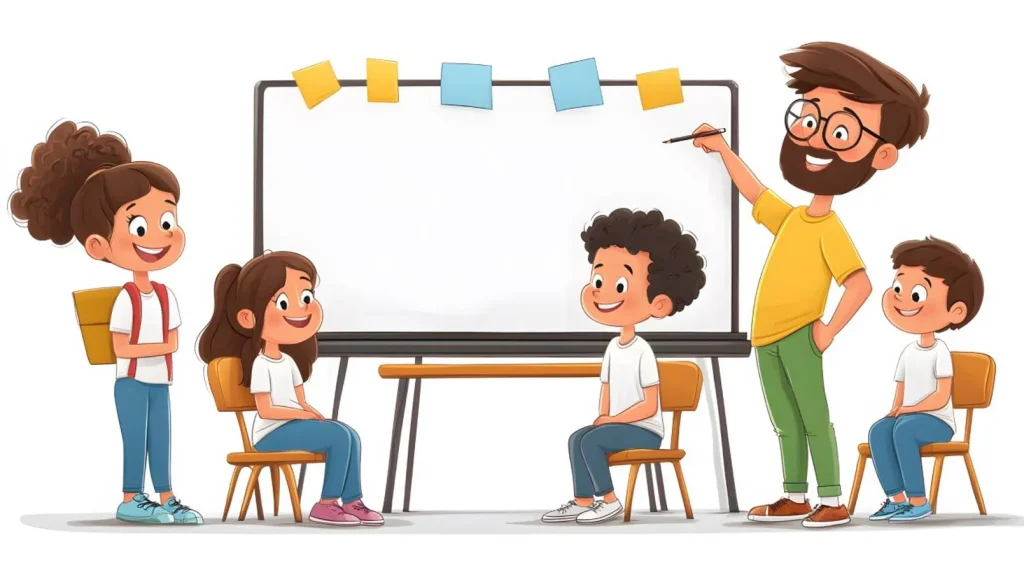
Whiteboard animation holds attention because the brain naturally wants to see how the drawing develops. The progressive reveal of visual elements while audio narration explains the concept creates a dual-channel learning effect that research suggests improves retention compared to static slides or talking head video. For educational content, product explainers, and process walkthroughs, the format is unusually effective at conveying information in a memorable way.
What to Look for in Free Whiteboard Animation Tools
Not all free tools are equally accessible for beginners. As with choosing any creative software, it helps to understand the broader landscape of animation software available today before committing to a platform. When evaluating easy animation tools for beginners, the most important factors are how much time the tool requires to produce a usable result, what the quality of the output looks like, what the free tier actually includes versus what requires payment, and whether the result can be downloaded without a watermark. This guide covers all of those factors for each tool.
Tool 1: Animaker
Best for Beginners Who Want Multiple Animation Styles
What Animaker Offers on Its Free Tier
Animaker is a browser-based animation platform that includes a whiteboard animation mode alongside 2D, infographic, and other animation styles. The free tier allows you to create and export videos with a reasonable quality output, though it does include an Animaker watermark on exports. For learning the format and producing draft or internal content, the free tier is fully functional. Paid tiers starting around $12.50 per month remove the watermark and increase export quality.
Free Whiteboard Animation Strengths
- Genuine drag-and-drop interface that requires no technical skill
- Large library of pre-built whiteboard animation characters and props
- Auto-lip-sync feature that matches character mouth movements to audio
- Browser-based with no software installation required
- Built-in voiceover recording and text-to-speech options
Tool 2: Doodly (Limited Free Trial)
Best for High-Quality Whiteboard Aesthetics
What to Know About Doodly’s Free Access
Doodly is a dedicated whiteboard and doodle video software with one of the most polished hand-drawing animation effects available in this category. It is not fully free: the desktop software requires a purchase after the trial period. However, the trial gives beginners a genuinely good sense of what professional whiteboard animation looks like when produced with a dedicated tool, and the subscription pricing starts around $20 per month for the basic tier.
Why It Is Worth Mentioning for Beginners
Doodly is the tool most professional whiteboard animation producers use for client work precisely because the hand-drawing effect looks genuinely good rather than obviously software-generated. For beginners trying to understand the quality standard to aim for, exploring the trial is worthwhile even if the full software represents a later investment.
Tool 3: Renderforest
Best for Fast Template-Based Production
How Renderforest Handles Whiteboard Animation
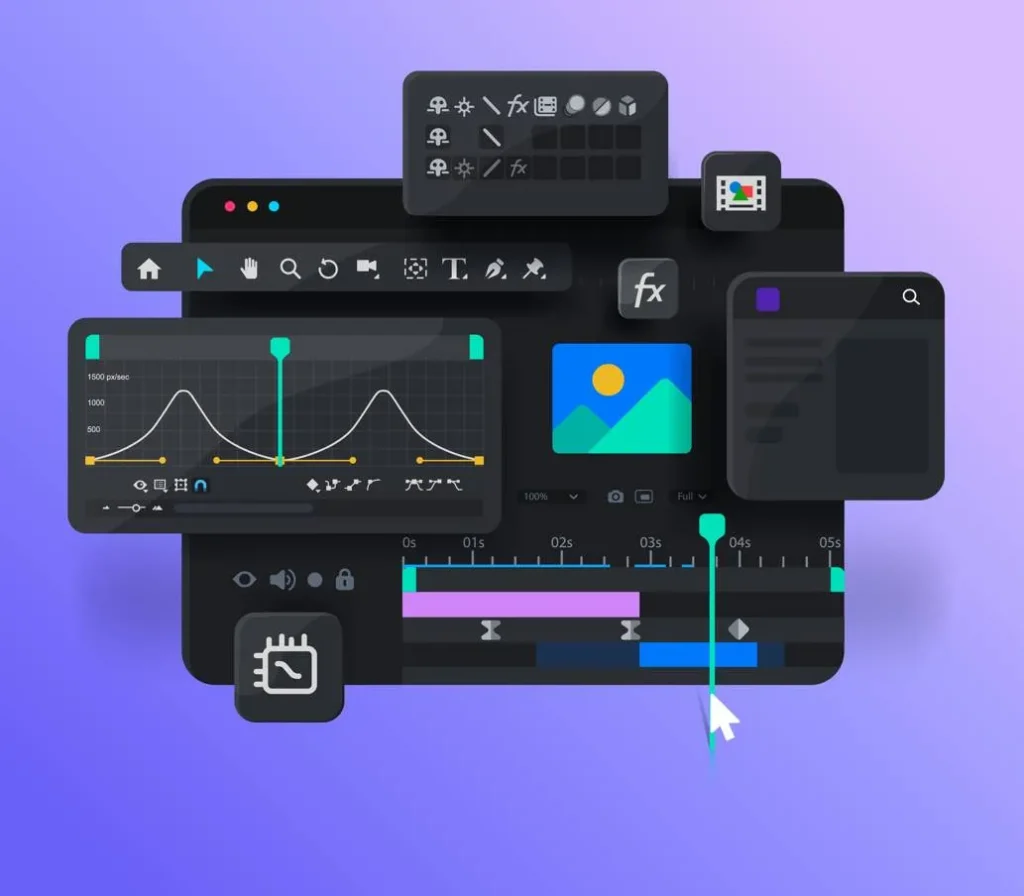
Renderforest is an online video maker that includes a strong whiteboard animation template library. The free tier allows you to create videos and export them in 360p resolution with a Renderforest watermark. For finished public content, the free tier is limited. For learning the format, testing a concept, or producing content for internal use where resolution and watermarks are not important, it is a capable and very fast starting point. Paid plans starting around $9.99 per month provide HD export and watermark removal.
Tool 4: VideoScribe (Free Trial)
Best for Professional-Grade Whiteboard Animation
What the Free Trial Covers
VideoScribe by Sparkol is one of the longest-established whiteboard animation tools and is used professionally for educational and marketing content. The seven-day free trial provides full access to the platform, giving beginners a realistic experience of professional whiteboard animation production. After the trial, subscription pricing starts around $8 per month on annual plans. VideoScribe is a strong option for beginners who are serious about developing whiteboard animation as a skill.
What Makes VideoScribe Worth Trying
- Extensive library of illustrated whiteboard elements across many categories
- Control over hand animation style and drawing speed for each element
- Built-in music library for background audio
- Import custom SVG images to animate your own artwork
- Good export quality even on the basic paid tier
Tool 5: Canva (Whiteboard Mode)
Best for Beginners Already Using Canva
Canva’s Whiteboard and Animation Features
Canva’s free tier includes basic animation features that, while not dedicated whiteboard animation tools, can produce simple animated explainer-style content quickly. For users interested in bringing branding elements into their videos, learning how to animate a logo can be a useful next step. Canva’s presentation mode with animated transitions, combined with whiteboard-style design elements from its extensive library, can approximate the whiteboard animation format for simple use cases. For beginners who already use Canva for design work, this is the lowest-friction starting point for getting animated content produced quickly.
True whiteboard animation with a hand-drawing effect is not Canva’s strength, but for beginners who need something simple and fast for social media or internal presentations, Canva’s animation features on the free tier are a practical starting point before investing in dedicated free whiteboard animation tools.
Comparison of Free Whiteboard Animation Tools
| Tool | Truly Free? | Watermark on Free? | Best For | Export Quality (Free) |
| Animaker | Yes (limited) | Yes | Beginners wanting multiple styles and characters | HD with watermark |
| Doodly | Trial only | No (trial) | Learning professional quality standards | HD during trial |
| Renderforest | Yes (limited) | Yes | Fast template-based content | 360p on free tier |
| VideoScribe | 7-day trial | No (trial) | Serious whiteboard animation learning | HD during trial |
| Canva | Yes | No | Simple animated content for Canva users | HD without watermark |
Tips for Getting Started with Whiteboard Animation
Making Your First Video Not Feel Like a First Video
Script First, Animate Second
The most common beginner mistake in whiteboard animation is starting with the visual elements before writing a tight script. Whiteboard animation is audio-driven: the narration carries the content and the visuals reinforce it. Write and record the narration first, then build the animation around it. This produces much better results than trying to match audio to a pre-built animation.
Practical Tips for Better Beginner Whiteboard Videos
- Keep videos under three minutes; whiteboard animation holds attention well but viewer drop-off increases significantly beyond that length
- Use simple, clear visuals; intricate illustrations add production time without improving communication
- Record narration in a quiet space; audio quality has a bigger impact on perceived production quality than visual quality
- Use a consistent pace; avoid the temptation to animate everything at once, as progressive reveal works better than simultaneous appearance
- Test on a mobile device before publishing; most viewers watch on phones where small text becomes unreadable
Final Thoughts
Free whiteboard animation tools have reached a level where beginners with no animation background can produce genuinely usable content. Animaker and Renderforest offer the most accessible fully free options. VideoScribe and Doodly’s trials give beginners exposure to professional-quality output. Canva works as a starting point for those already in its ecosystem.
The best tool is the one you will actually use and finish a video with. Start with whatever feels most accessible and build from there.
Fastest Logo helps brands develop visual identity assets and video content that work across digital platforms. Whether you’re creating explainer videos or developing a new brand identity, understanding what makes a good logo design helps ensure your visual assets work consistently across every medium. If you want to talk about what animated content could do for your brand, reach out to us.
FAQs
1. What is the best free whiteboard animation tool for beginners?
Animaker is the strongest fully free option for beginners, offering a drag-and-drop interface, character library, and whiteboard animation mode without requiring software installation. For higher-quality results, VideoScribe’s seven-day trial and Doodly’s trial are worth exploring.
2. Can I make a whiteboard animation without any design experience?
Yes. Template-based tools like Animaker and Renderforest are designed for users without design or animation backgrounds. Pre-built elements, drag-and-drop interfaces, and template starting points make it possible to produce a finished whiteboard animation video in a few hours.
3. Do free whiteboard animation tools add watermarks?
Most free tiers do. Animaker and Renderforest both add watermarks to free exports. VideoScribe and Doodly do not watermark during their trial periods. Canva’s free tier does not watermark animations. For finished public content, a paid plan is usually necessary to remove watermarks.
4. How long should a whiteboard animation video be?
Under three minutes is the practical target for most whiteboard animation content. The format holds attention well but viewer drop-off increases significantly beyond three minutes. For most explainer and marketing uses, 90 seconds to two and a half minutes covers the content without losing the audience.
5. What is the most important thing to get right in whiteboard animation?
The script and narration. Whiteboard animation is audio-driven: the voice narration carries the content and the visuals reinforce it. A tight, clear script recorded with good audio quality will outperform a visually elaborate animation with a weak or poorly recorded narration every time.